
Stop M i n d l e s s Scrolling
Screenlime adds a short delay before the apps you tend to open without thinking—
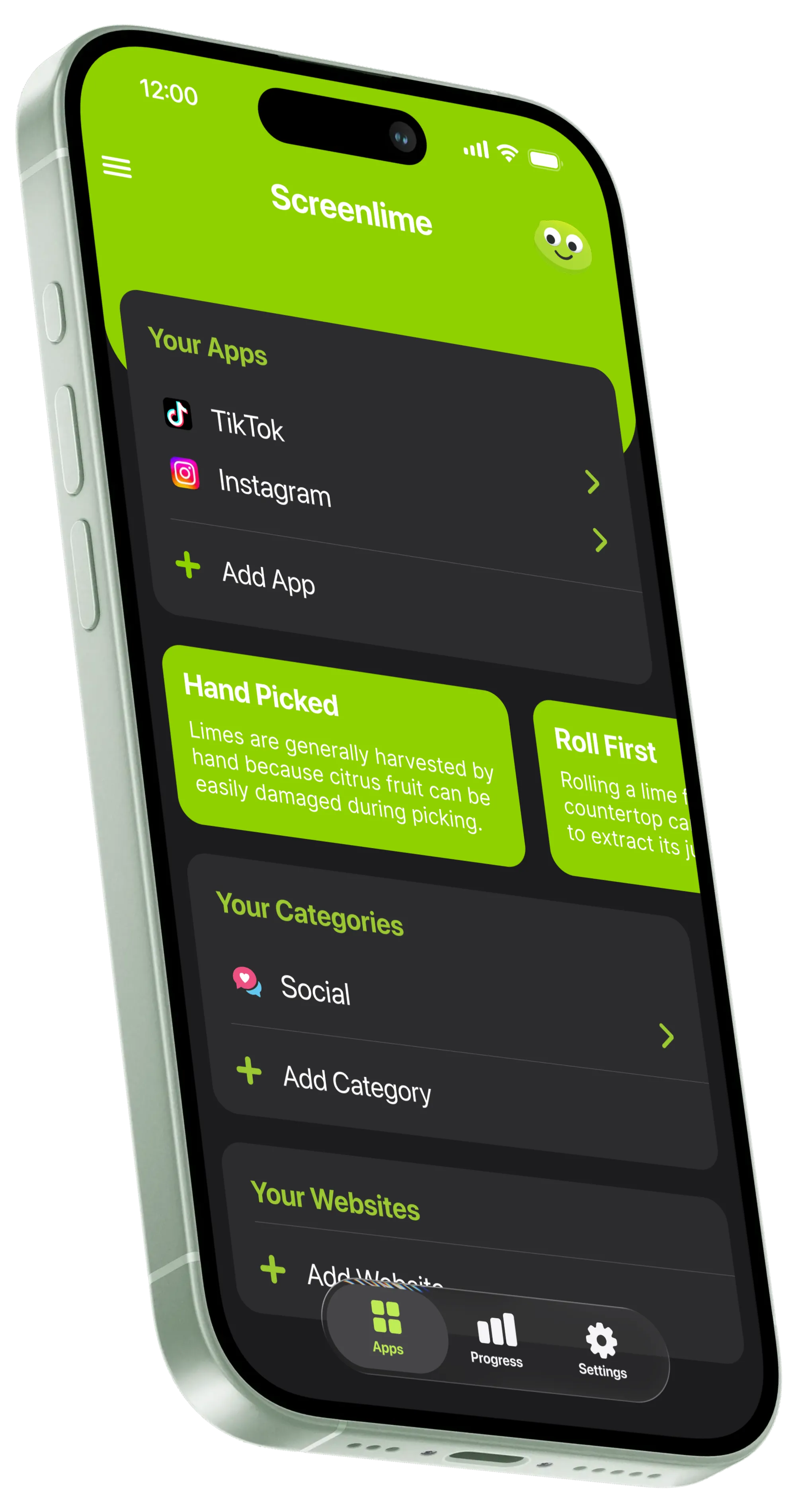
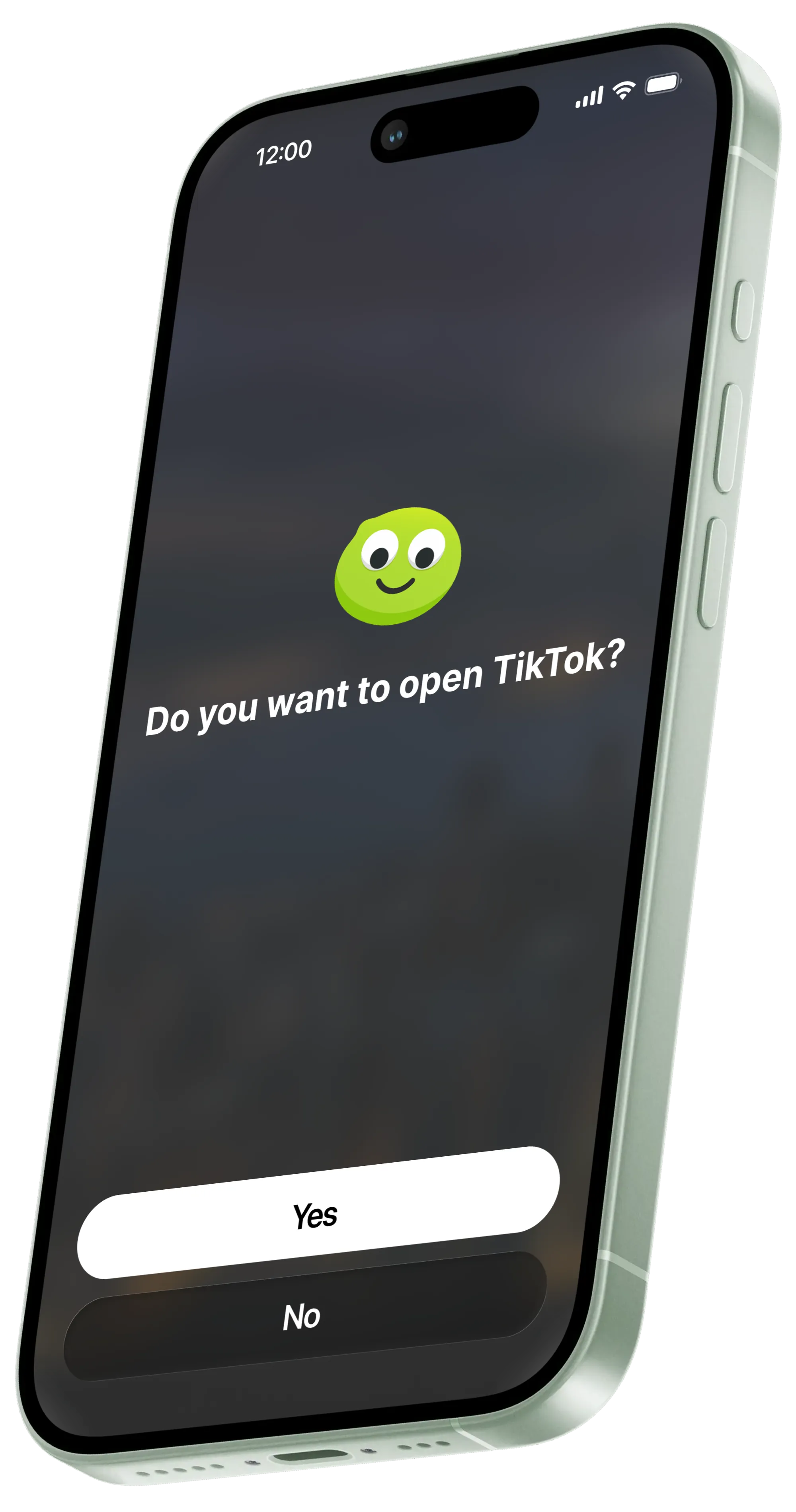
just enough friction to stop mindless scrolling .

Your phone isn’t the problem

Phones are incredibly useful.
The problem is how easily checking one thing turns into twenty minutes of scrolling.
You open Instagram without thinking. Check Reddit because you’re bored. Tap TikTok out of habit. Half the time, you didn’t really decide to do it at all.
Screenlime gives you that decision back.

A few seconds can make a big difference
- 1 Choose the apps you want Screenlime to manage.
- 2 When you try to open one, you’ll see a short countdown first.
- 3 After that, you can use the app as you normally would.
- 4 Screenlime will interrupt you later to stop you from scrolling for too long.
That tiny interruption breaks the automatic open-scroll-close cycle without preventing you from using apps when you actually want or need to.
Not another digital detox

You don’t need to:
- Delete your favourite apps.
- Turn your phone grayscale.
- Follow a complicated schedule.
- Lock yourself out for hours.
- Buy a dumb phone.
Screenlime isn’t designed to make your phone less useful. It’s designed to make mindless scrolling less automatic.

Built to stay turned on

The most sustainable screen-time fix is one you’ll actually keep enabled. Extreme solutions can work—the problem is living with them.
If something constantly gets in your way, eventually you’ll disable it.
Screenlime intentionally does less. It adds a small amount of friction exactly where it’s useful, while leaving everything else alone.
Because the best screen-time solution isn’t the most restrictive one. It’s the one you can leave turned on.

Try Screenlime
Tap a social app on the demo phone to see the Unlock Delay in action.
Less accidental scrolling. Same useful phone.
Screenlime doesn’t decide when you’re allowed to use your apps. You do.







FAQ
Does Screenlime block my phone?
No. You’re never locked out for good. Screenlime adds a short delay before your chosen apps open, and recurring interruptions during use with a delay to reopen—so you stay in control.
Can I skip the Unlock Delay?
No, but you won’t need to. The Unlock Delay is only a few seconds—enough to break the reflex, not long enough to get in the way when you actually want to use an app.
Which apps does it work with?
It works with any iOS app, as well as any website in Safari on your phone. You can even set it up with entire app categories at once, like Shopping, Gaming, Social Media, and more.